
Searching for a Warrant in Harrisonburg City
For a Harrisonburg City warrant check, begin with Virginia's official case systems rather than any third-party site. Open the Virginia Courts Case Status and Information hub and pick OCIS 2.0, then run the name printed on your court paper. An adult traffic or misdemeanor matter gives you a second route through the Harrisonburg/Rockingham GDC search. A hit identifies the court and the case. It is still not a live warrant confirmation, only a starting point.
- Enter your name as printed on a citation, summons, warrant, or notice.
- Acknowledge the OCIS disclaimer if it appears.
- Narrow the court level and locality when the likely court is known.
- For GDC, select Harrisonburg/Rockingham and search by name, case number, or hearing date.
- Call the issuing clerk to ask about any current capias or arrest warrant.
Use the court number from an official Virginia Courts page, not one sent in an unexpected message.
Open the Virginia OCIS 2.0 search entry to begin a public case search.
Source: Virginia OCIS case search.
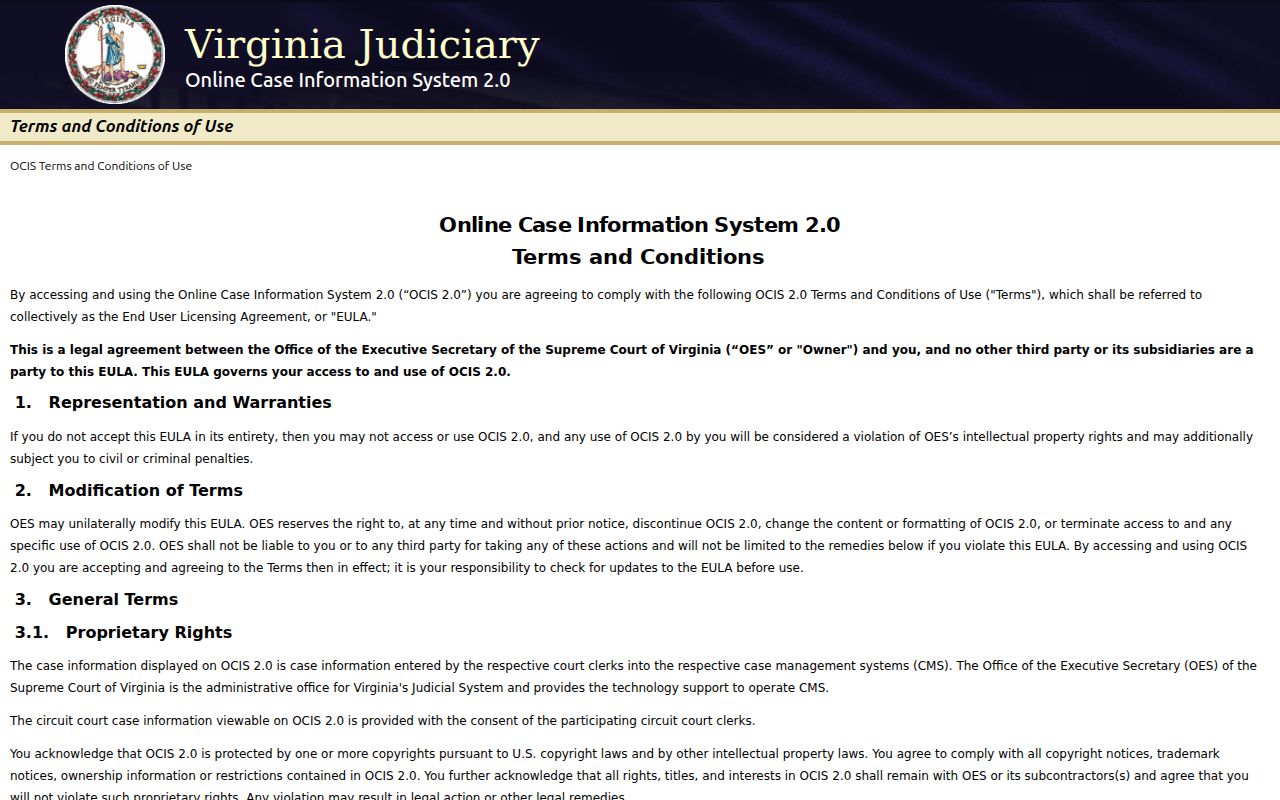
The OCIS entry screen is a court case search, not a public warrant register.
Warrant Search Fields Explained
OCIS asks for a name and lets you narrow by court level or a specific court. Partial names work if each entry has at least two characters, per the help page. You must accept a disclaimer before the first search runs. A Harrisonburg City result can show court, case number, defendant, offense date, hearing date, charge, and Code Section.
| Control | Use | What to Know |
|---|---|---|
| Name | Required for name search | Use your name as it appears on the court paper; partial form allowed. |
| Court Level | Optional filter | Circuit, General District, or JDR. |
| Court | Optional filter | Narrow to Harrisonburg/Rockingham when relevant. |
| Case Number | Alternative | Use the number printed by the court. |
| Details | Result control | Opens selected case information, not a warrant validation. |
The OCIS help page lists name syntax, court filters, and result controls.
Source: Virginia OCIS search help.
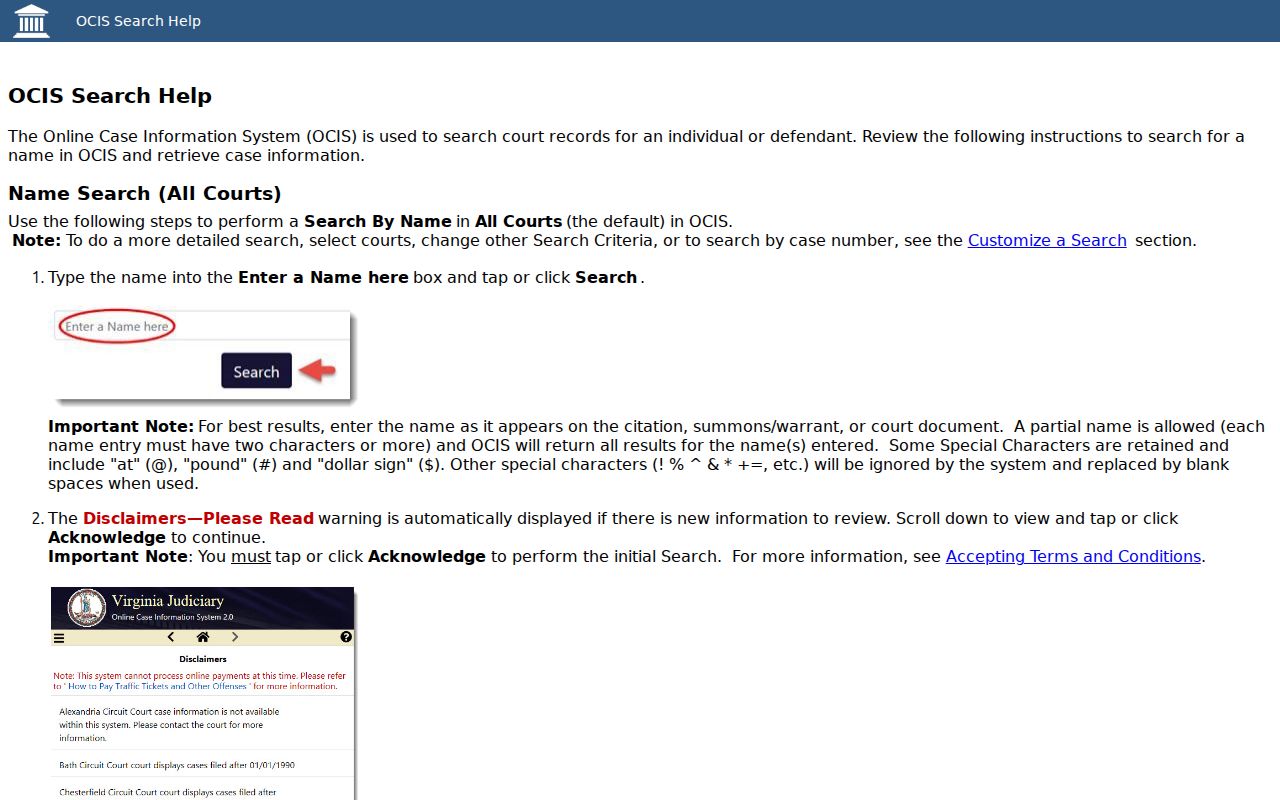
OCIS help explains its name syntax and result controls.
Harrisonburg City Warrant Search Status Fields
The Harrisonburg/Rockingham General District Court interface searches one court at a time, and it offers three entry points: name, case number, or hearing date. A name search requires a last name, while the first name, middle initial, and suffix stay optional. Wildcards help when a printed name varies. So does patience with spelling. The Data Status setting offers Current, Archived, or All. Current generally covers cases entered or heard after January 2007, so pick All when the date of an older case is unclear. The GDC search help page lists every control and explains how to open case details, with more in the Virginia General District Court search help.
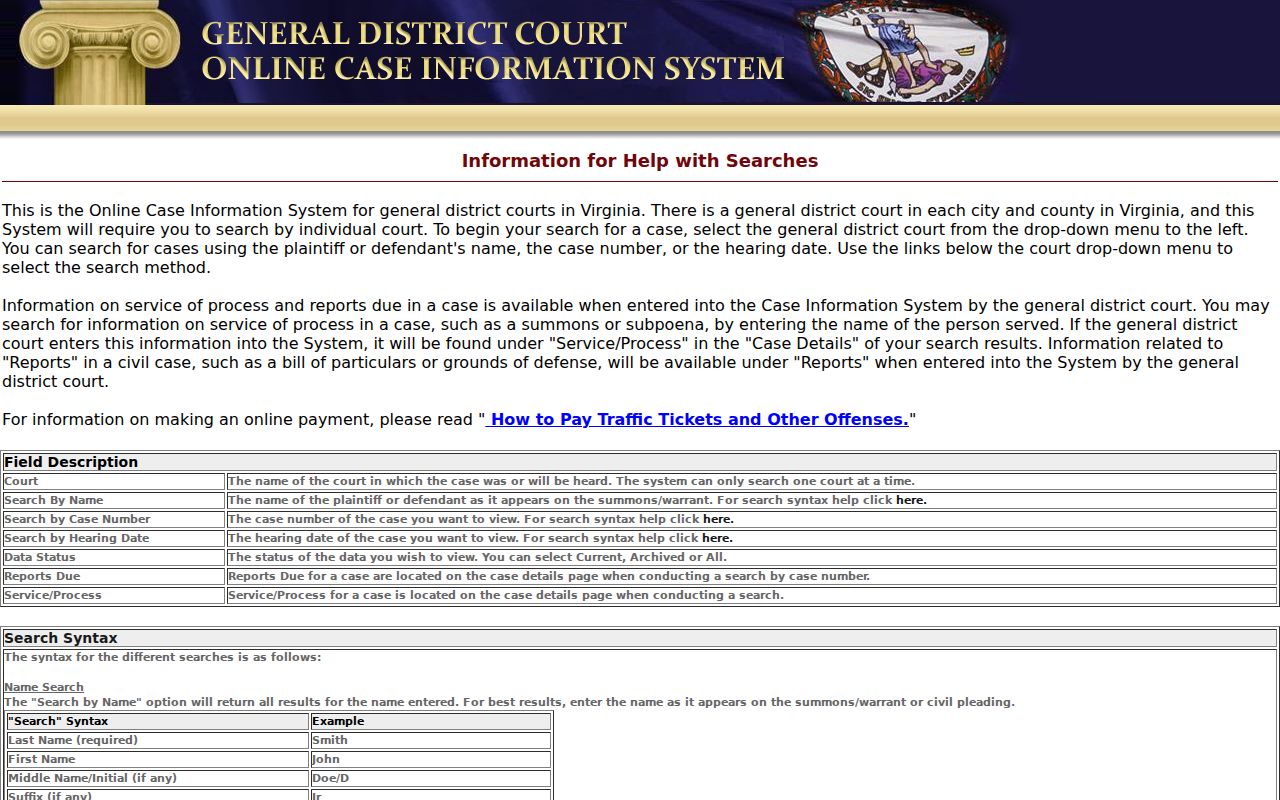
GDC help describes case navigation; it does not promise a warrant-status field.
What a Warrant Search Shows
Treat any result as a pointer, not a verdict. The court, case number, offense date, hearing date, charge, and Code Section give the clerk what she needs to pull the right file. A case can stay online after process is served. Sometimes service never shows in the public result at all, so confirm status with the Harrisonburg City court itself.
| Court | Identifies the office that holds the case. |
|---|---|
| Case number | GDC examples use GT traffic, GC criminal, and GV civil families. |
| Charge | Shows a filed offense or code section, not current warrant status. |
| Hearing date | Use it to ask about a past setting or the next appearance. |
| Process status | May require clerk or agency confirmation; not guaranteed online. |
For example, GT########-## is a traffic-format family, not a real case or warrant number.
Why a Harrisonburg City Warrant May Be Missing
A blank Harrisonburg City result can mean several things. The offense may be sealed, the matter may involve a juvenile, new process may not be entered yet, another court may hold the case, or the public system may simply not display that field. Virginia law requires public online access to certain nonconfidential case information, and it expressly keeps sealed offenses out of that view. So the empty screen proves nothing either way. A name-only mismatch on someone else tells you even less. For your own matter, use the case number, court, or hearing date printed on your papers, then call the clerk. A blank case search is not proof that no warrant exists.
Harrisonburg City Warrant Search Results
When a match appears, write down the court, case number, charge, and latest hearing date. Then ask the clerk whether the file shows a current capias, arrest warrant, or show-cause process, or only the underlying case. "Active" and "served" answer different service questions, so push for a clear answer from the return court or a validating agency. If OCIS and the GDC search show different details for your Harrisonburg City matter, call the local clerk instead of repeating the search with more personal data. Ask what document or date would help the office locate the file, and note the staff direction for whatever comes next.
Where to Check Warrants in Harrisonburg City
Each Harrisonburg City office holds a different piece of the record. The GDC clerk keeps adult traffic and misdemeanor files; Circuit Court handles felony cases and felony capiases; JDR covers juvenile and family matters; and District 26 Magistrate Services handles probable-cause process and initial bail. HPD and RCSO hold operational warrant and service records, while the regional jail handles custody and authorized bond processing. OCIS and the GDC search are case tools, nothing more. RCSO's "Rockingham's 10 Most Wanted" page is a small selected program, not a full active-warrant list. A true warrant status check ends with the court or agency that can validate the process.
RCSO's Harrisonburg City Warrant List Is Selected
The sheriff's page offers no public name-search form, no case filter, no completeness statement, no bond field, and no posted update schedule. It is a selected Most Wanted program, plain and simple. A missing name there does not mean no Harrisonburg City or Rockingham process exists. Do not copy list photos or names into another record search; use the page only for its stated program and tip contact. For your own status, rely on court records and ask the issuing clerk. You can read the official RCSO program description, just do not mistake it for a warrant lookup.
Requesting a Harrisonburg City Warrant Record
When an online court result is not enough for a Harrisonburg City warrant check, Virginia FOIA lets you request existing releasable records. RCSO takes requests by mail, fax, email, telephone, or in person. State the office, your court, case or citation number, a useful date range, and the record you want. Ask for a fee estimate before copies are made. HPD's Records Unit handles city police records in Harrisonburg City. Its public page says a response is due within five working days, asks for a return address, and notes that an estimated production cost over $200 may require a deposit. A records request is no substitute for live confirmation from the issuing court.
Restricted Warrants and Access Rules
Not every warrant record is open. Sealed and expunged matters, juvenile records, confidential sources, tactical information, and some investigative files may be withheld or simply missing online. Court record access and law-enforcement FOIA access cover different files in Harrisonburg City. Take juvenile and family questions straight to JDR, and do not expect HPD or RCSO to build a new public warrant list.
Access limits: Virginia Code §17.1-293.1 excludes sealed offenses from public OCIS; §16.1-301 protects many juvenile records; FOIA §2.2-3706 allows certain investigative records to be withheld.
When the answer truly matters, ask the Harrisonburg City office holding the file what it can confirm and what stays restricted.